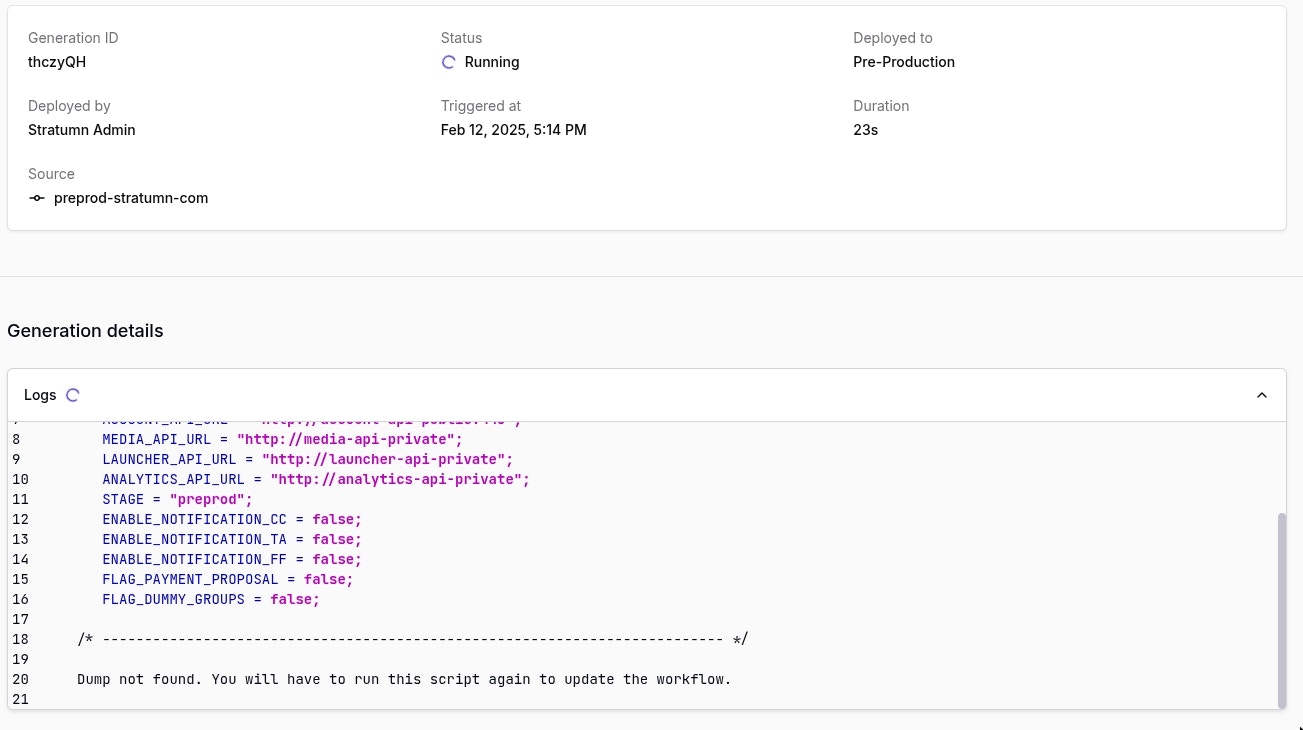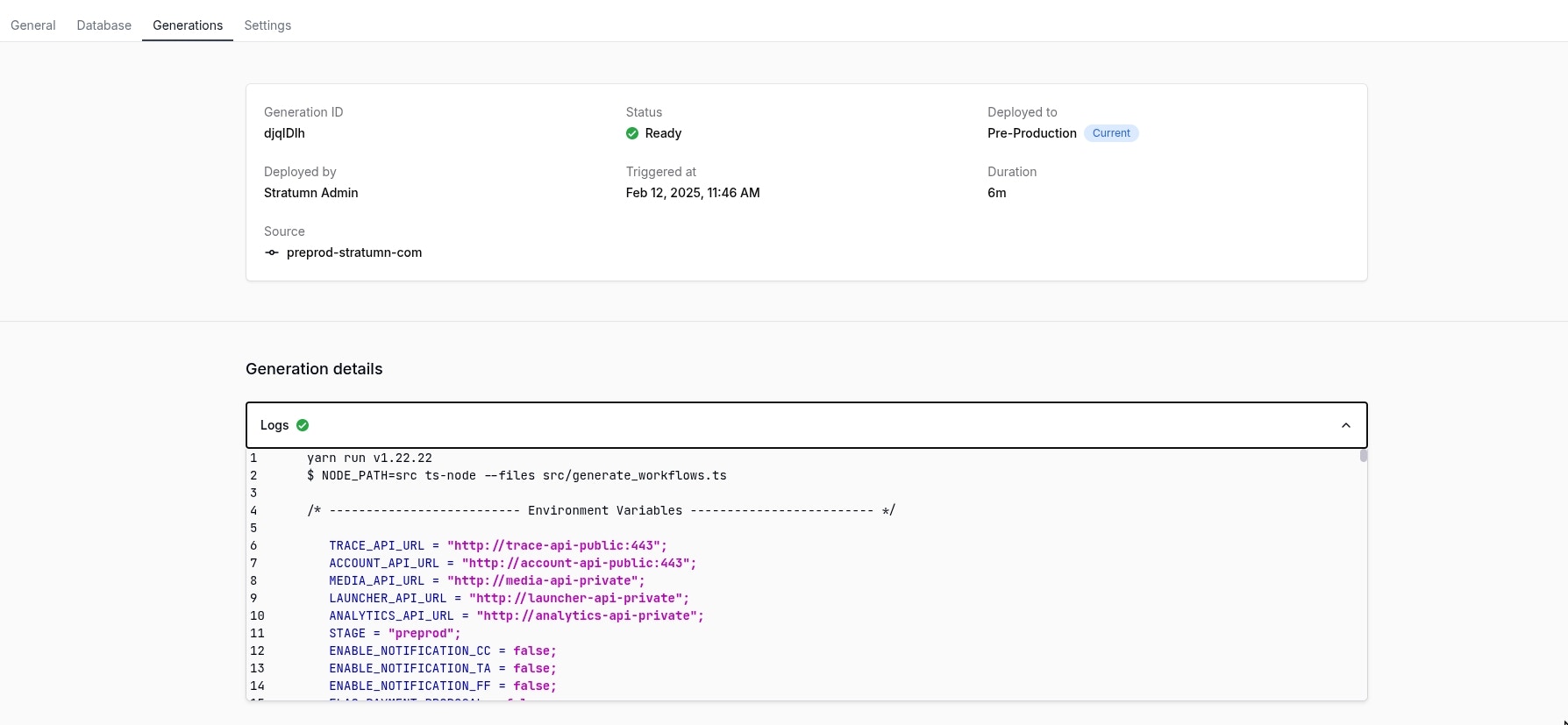
Generation details
Logs
Inside the Logs accordion, you will find the logs of the generation. These logs are useful to understand what happened during the generation.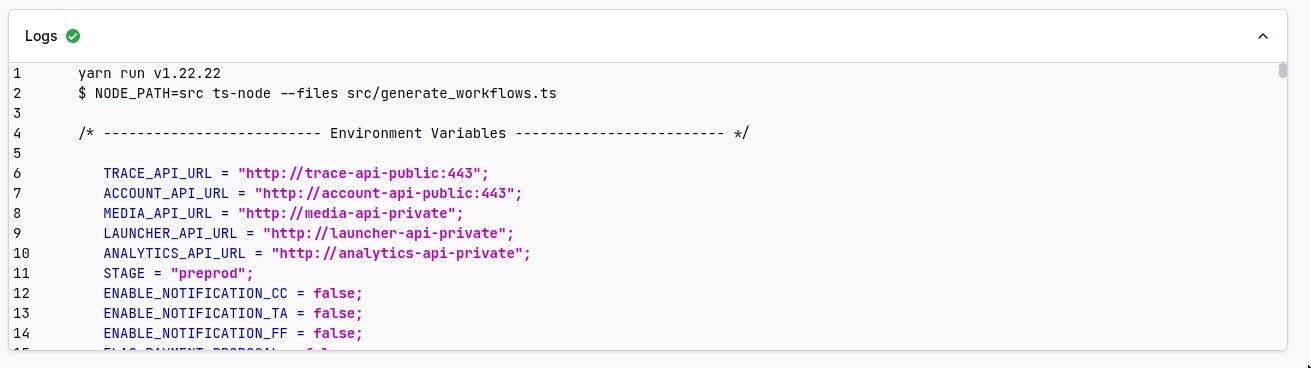
Logs are currently mainly understandable by the Stratumn team but is likely to
be improved in the future.
Real-time updates
While a generation is in running state, logs and all other generation information are refreshed in real-time so you can see how it’s going without having to refresh the page or waiting the generation to be finished.