

State
Each trace has astate object which contains the business data but also metadata about the trace’s lifecycle.
The state object can be accessed in the effects via dsl.$variables.state and has the following properties:
object
The business data of the trace.
object
A mapping between a group label and it’s next possible actions.
object
The most relevant next actions for each group.
object
The notifications that will be sent to the user.
Data
Thedsl.$variables.state.data property is an object that holds the business data for the trace,
structured according to the workflow’s specifications.
The data are updated by the effects of each action and is usually used to display
the trace’s data in the workflow overview table and trace infos.
Next actions
- Description
- Type
- Example
The
dsl.$variables.state.nextActions property defines which actions are available for each group.
It is defined as a map between a group label and a list of actions keys.Tasks
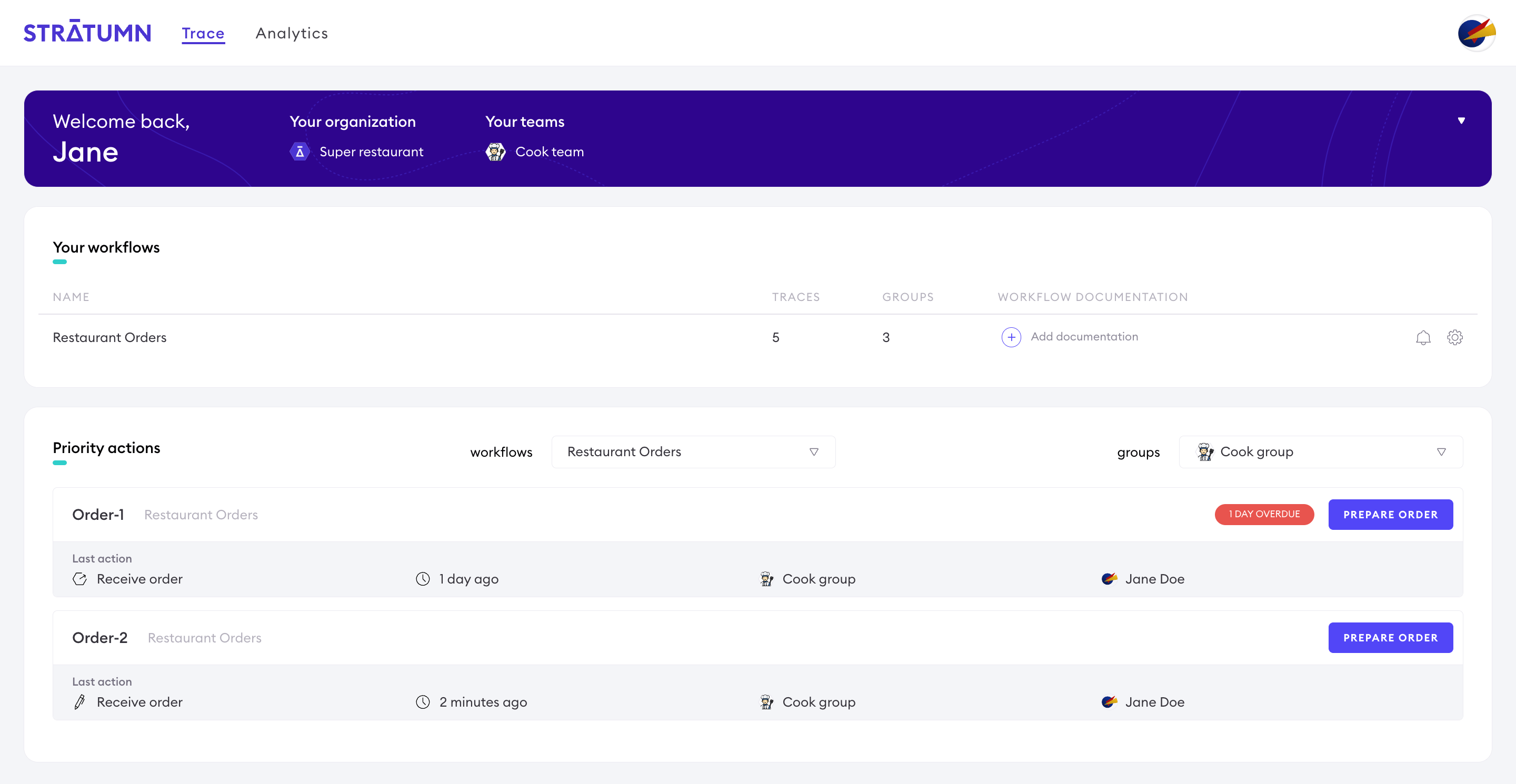
Thedsl.$variables.state.tasks property, also referred to as priorities, defines which next actions are the most relevant for a group.
When a group has a next priority action defined, it will be displayed in the Trace UI homepage.
Meta
- Description
- Documentation
- Type
- Example
If the query context is a widget, properties related to the last link are nested under the
head property.Formdata
Thedsl.$variables.formData object is the data submitted by the user in the current action.