What is a Grid ?
A Grid is the visual representation of a Sheet. It’s represented as a table with rows and columns.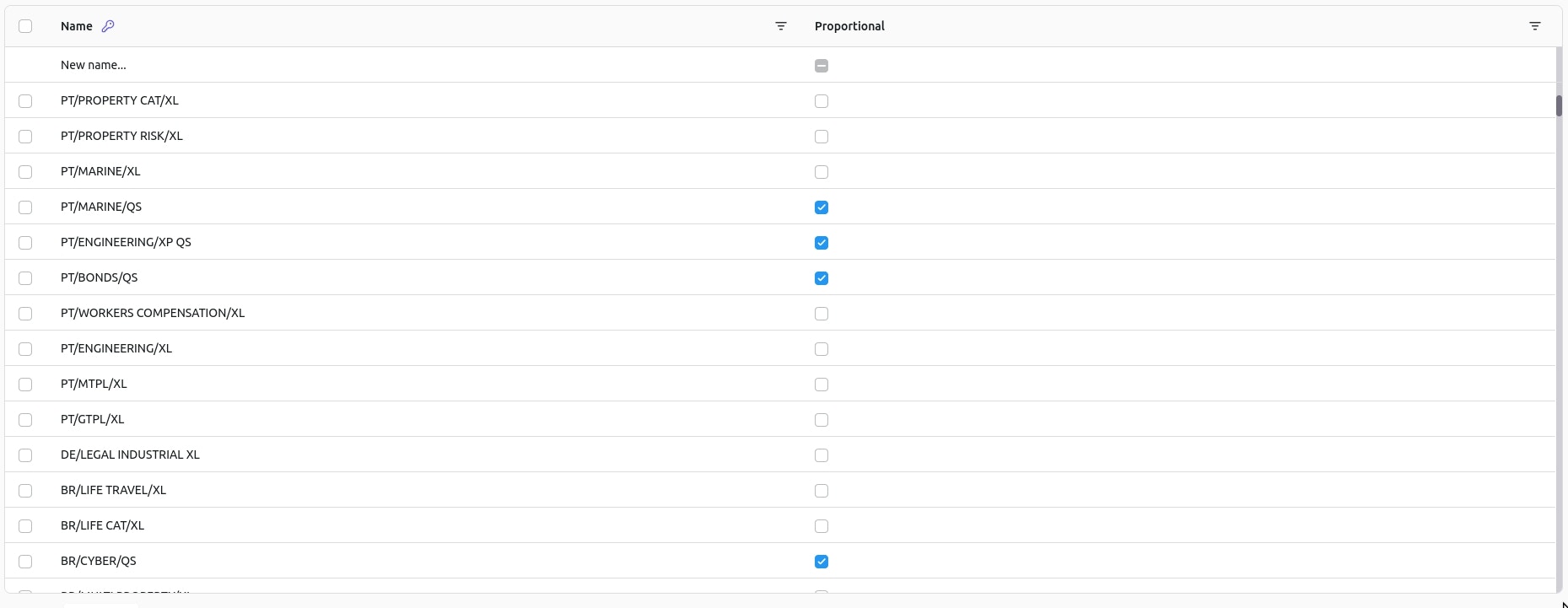
Columns
Columns are defined by the client and configured by the Stratumn team. There are two specific types of columns that you must be aware of.Primary Key
This type of column is used to identify a row, it cannot be empty and is used as a display value in case the row is referenced elsewhere. It can be easily identified by the little blue key displayed in the column header:
Reference
This type of column is used to symbolize a link with another Sheet. It can be easily identified by the blue chips representing selected rows of the other Sheet inside any cell of the column.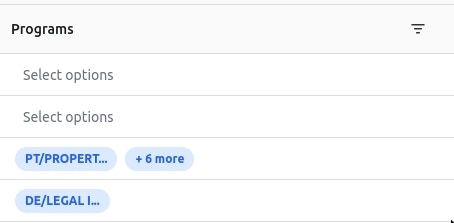
- Text: A simple text column.
- Number: A number column.
- Boolean: A boolean column taking form of a checkbox.
- Date: A date column.
Filters
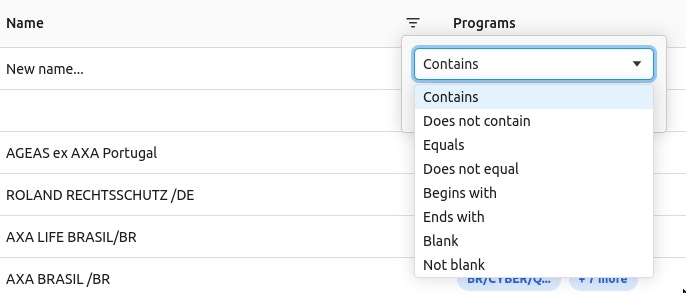
Filters can be applied to a column by clicking on the filter icon in the column header.