> ## Documentation Index
> Fetch the complete documentation index at: https://docs.stratumn.com/llms.txt
> Use this file to discover all available pages before exploring further.
# Generation details
> Get more information about a generation
You can access the generation details by clicking on a generation in the generation history.
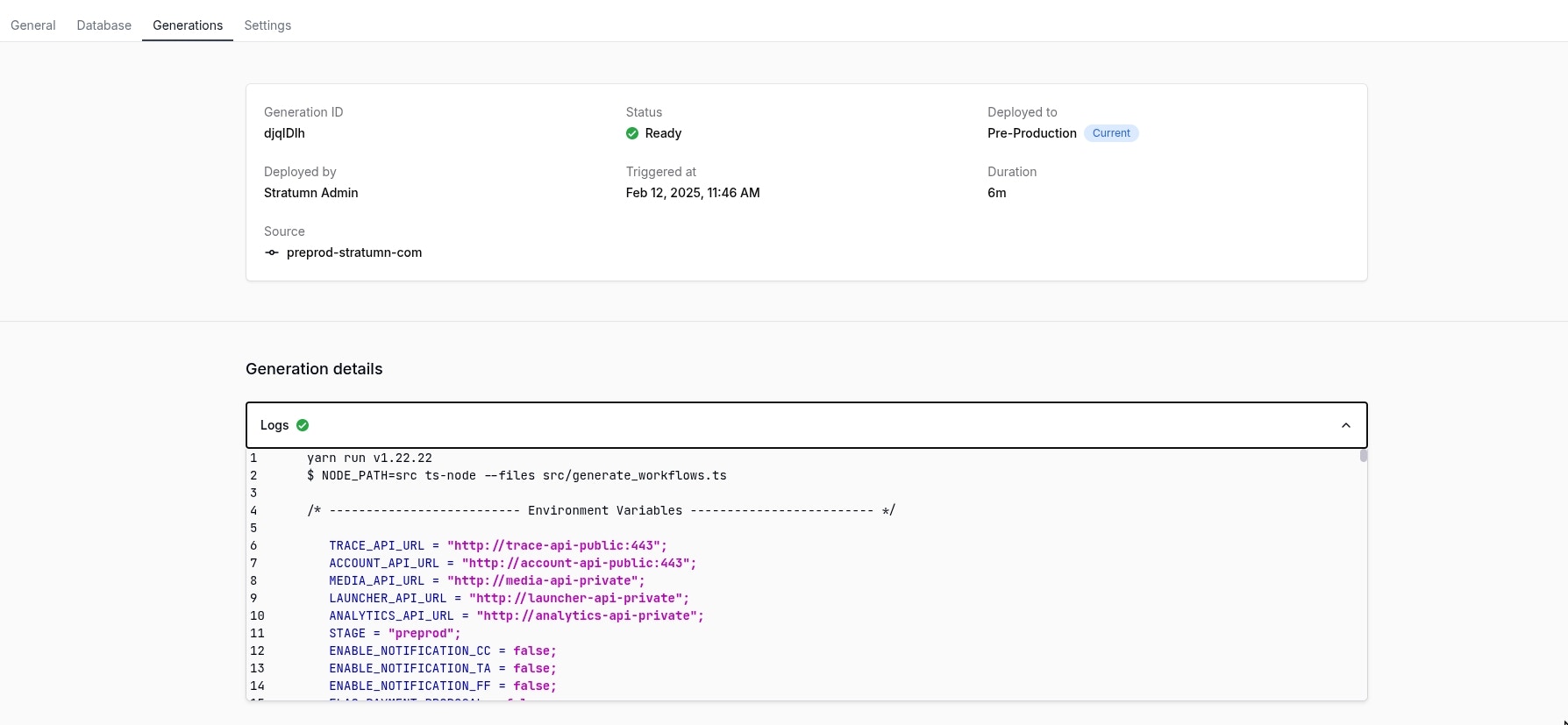 You will retreive the exact same information as in the generation history, but with more details inside the **Generation details** section.
## Generation details
### Logs
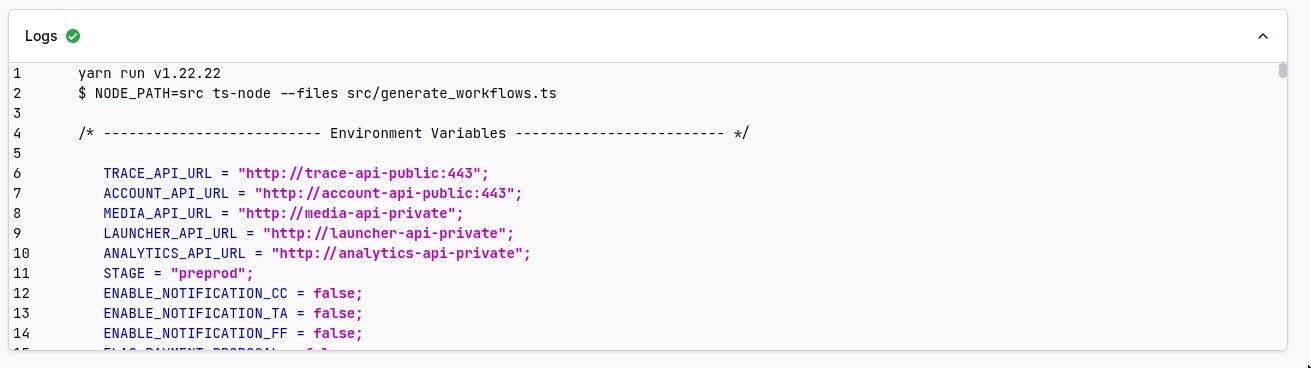
Inside the **Logs** accordion, you will find the logs of the generation. These logs are useful to understand **what happened during the generation**.
You will retreive the exact same information as in the generation history, but with more details inside the **Generation details** section.
## Generation details
### Logs
Inside the **Logs** accordion, you will find the logs of the generation. These logs are useful to understand **what happened during the generation**.
 Logs are currently mainly understandable by the Stratumn team but is likely to
be improved in the future.
## Real-time updates
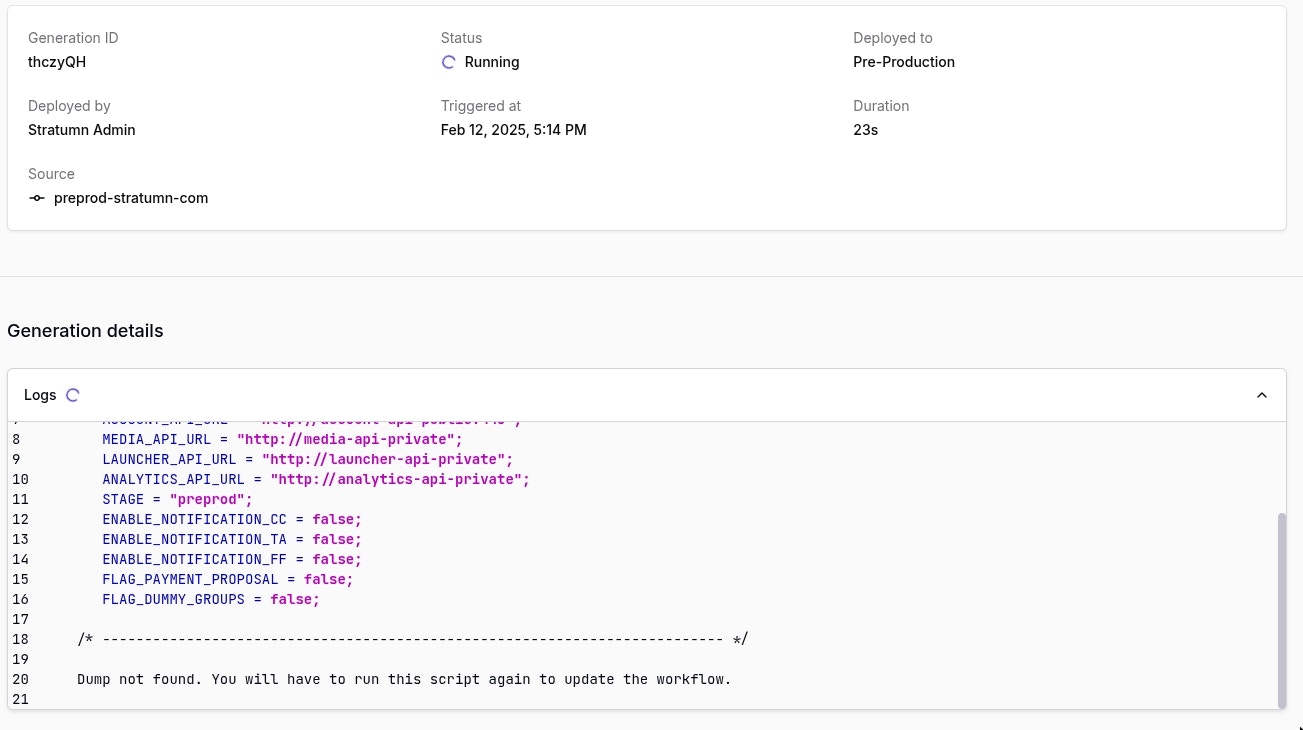
While a generation is in **running state**, logs and all other generation information are refreshed in **real-time** so you can see how it's going without having to refresh the page or waiting the generation to be finished.
Logs are currently mainly understandable by the Stratumn team but is likely to
be improved in the future.
## Real-time updates
While a generation is in **running state**, logs and all other generation information are refreshed in **real-time** so you can see how it's going without having to refresh the page or waiting the generation to be finished.