> ## Documentation Index
> Fetch the complete documentation index at: https://docs.stratumn.com/llms.txt
> Use this file to discover all available pages before exploring further.
# Grid
# What is a Grid ?
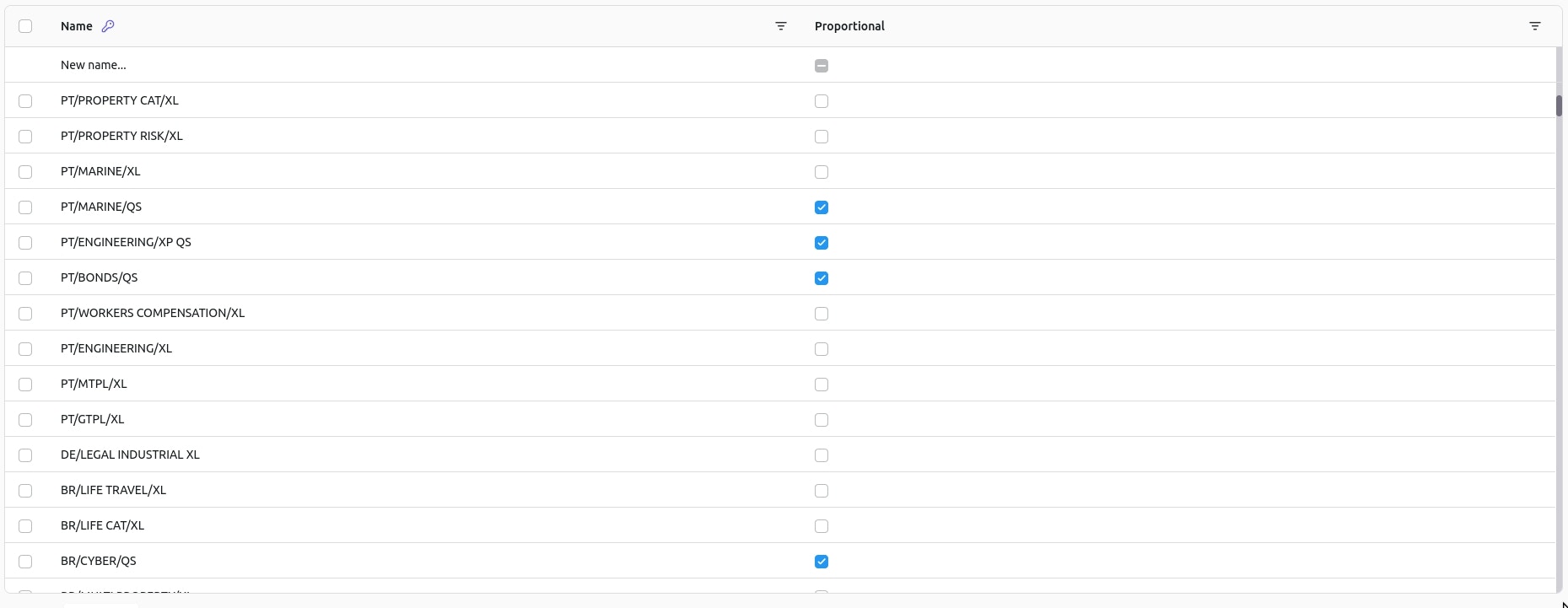
A Grid is the **visual representation** of a Sheet. It's represented as a table with rows and columns.
 ## Columns
Columns are defined by the client and configured by the Stratumn team. There are **two specific types** of columns that you must be aware of.
### Primary Key
This type of column is used to identify a row, it **cannot be empty** and is used as a **display value** in case the row is referenced elsewhere.
It can be easily identified by the **little blue key** displayed in the column header:
## Columns
Columns are defined by the client and configured by the Stratumn team. There are **two specific types** of columns that you must be aware of.
### Primary Key
This type of column is used to identify a row, it **cannot be empty** and is used as a **display value** in case the row is referenced elsewhere.
It can be easily identified by the **little blue key** displayed in the column header:
 ### Reference
This type of column is used to symbolize a link with **another Sheet**.
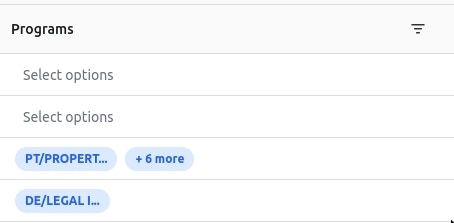
It can be easily identified by the **blue chips** representing selected rows of the other Sheet inside any cell of the column.
### Reference
This type of column is used to symbolize a link with **another Sheet**.
It can be easily identified by the **blue chips** representing selected rows of the other Sheet inside any cell of the column.
 Other types of columns are:
* **Text**: A simple text column.
* **Number**: A number column.
* **Boolean**: A boolean column taking form of a checkbox.
* **Date**: A date column.
### Filters
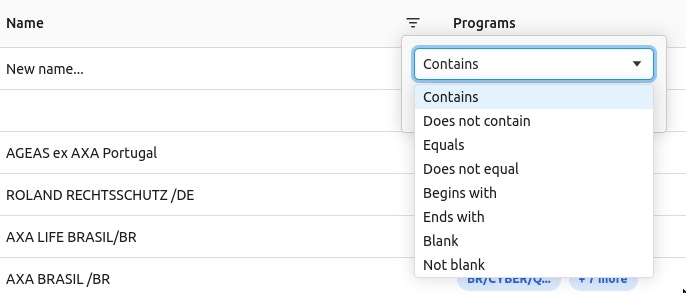
Filters can be applied to a column by clicking on the **filter icon** in the column header.
Other types of columns are:
* **Text**: A simple text column.
* **Number**: A number column.
* **Boolean**: A boolean column taking form of a checkbox.
* **Date**: A date column.
### Filters
Filters can be applied to a column by clicking on the **filter icon** in the column header.
 **Alphabetical filters** sorting is also available by clicking anywhere inside the column header. A little arrow will show up to indicate the sorting direction.
